

Voices
Choose the voice your customers will remember.
Your Chief of Staff's voice is the first impression of your business, and every Agent it creates can have its own. Every voice in our library speaks any language your customers use, so one voice can carry a call from a greeting in English to a booking confirmed in Spanish, or a question in Hindi, without changing character.
Press play to hear each voice greet a caller. Every voice speaks the language the caller uses.
Female voices
09- AraMultilingual01
- AuroraMultilingual02
- CarinaMultilingual03
- CelesteMultilingual04
- EveMultilingual05
- IrisMultilingual06
- LioraMultilingual07
- LunaMultilingual08
- UrsaMultilingual09
Male voices
19- AltairMultilingual01
- AtlasMultilingual02
- CastorMultilingual03
- CosmoMultilingual04
- HeliosMultilingual05
- HelixMultilingual06
- KeplerMultilingual07
- LeoMultilingual08
- LumenMultilingual09
- LuxMultilingual10
- NakshMultilingual11
- OrionMultilingual12
- PerseusMultilingual13
- RexMultilingual14
- RigelMultilingual15
- SalMultilingual16
- SiriusMultilingual17
- ZaganMultilingual18
- ZenithMultilingual19
In the app
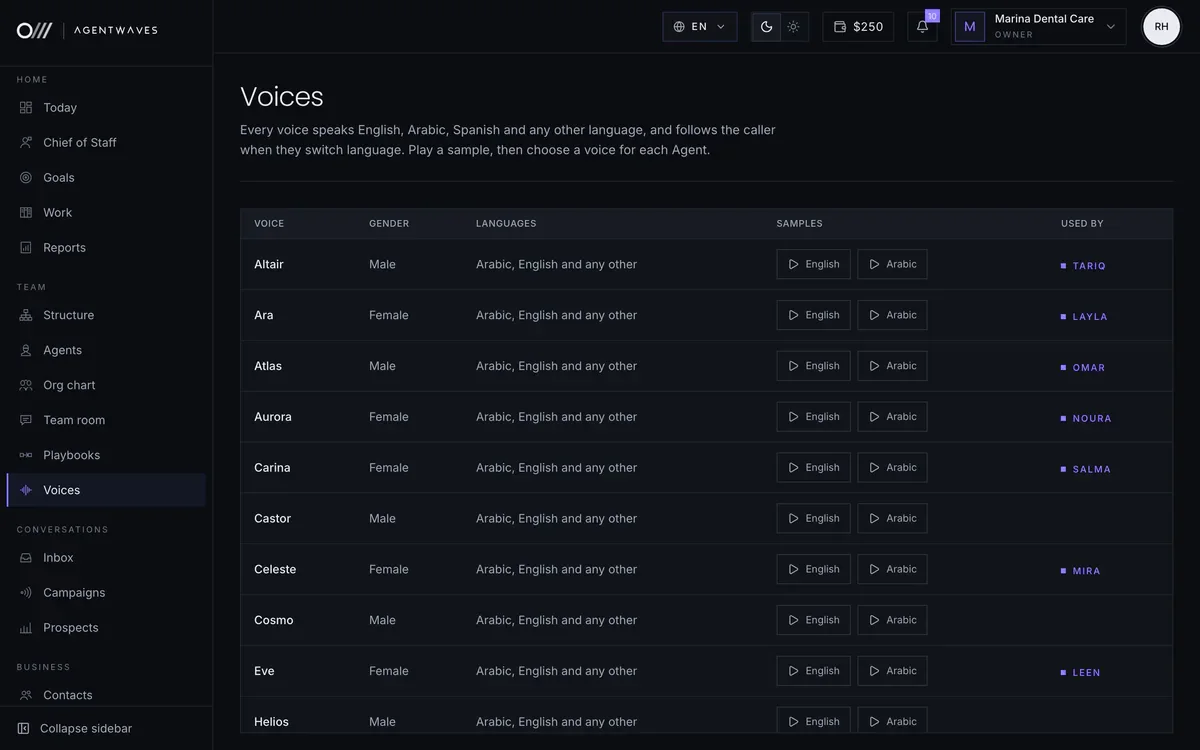
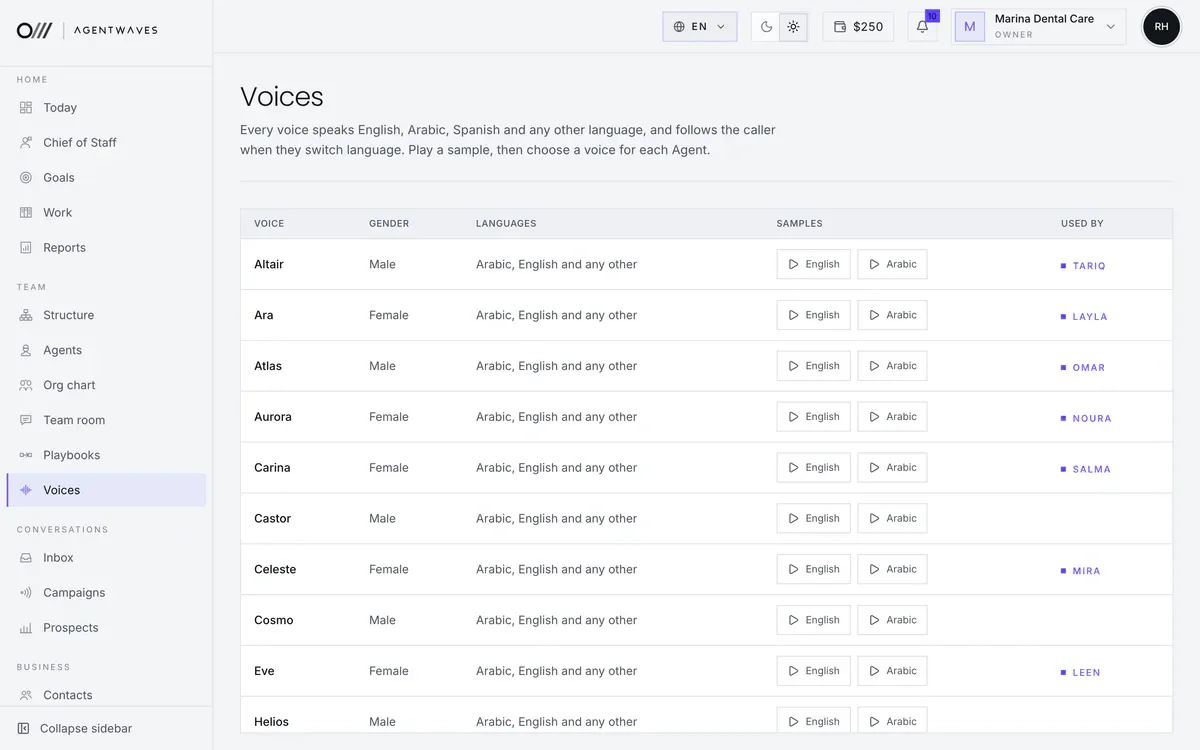
Choose a voice for each Agent
Play every voice in the languages your customers speak, then give each Agent its own. The list shows which Agent uses which voice.
- 01Samples in several languages
- 02One voice per Agent
- 03Change it any time, then publish
Sample workspace. People, numbers and figures are fictional.
Hear before you choose
We would rather you listen than read descriptions.
Preview in your browser
In your account, switch voices in the test panel and talk to your Chief of Staff in each one.
Test with your own words
Say your company name, your street and your product names, and listen for how naturally they come back.
Change it any time
Switching voices is a single setting for each Agent. Publish the change and the next call uses the new voice.
Choosing well
A few things worth listening for.
- How your company name and branch names sound in every language your customers use.
- Whether the pace suits callers who may be driving or in a busy place.
- Whether the voice feels right for your setting, from a calm clinic to a busy showroom.
- How it sounds when it delivers news a caller may not want, such as a fully booked day.
Find the voice that sounds like your business.
Choose a plan, meet your Chief of Staff and try each voice in your browser with your own greeting.